

VALENTINEDESIGNS · ORIGINAL MUSIC
Listening room.
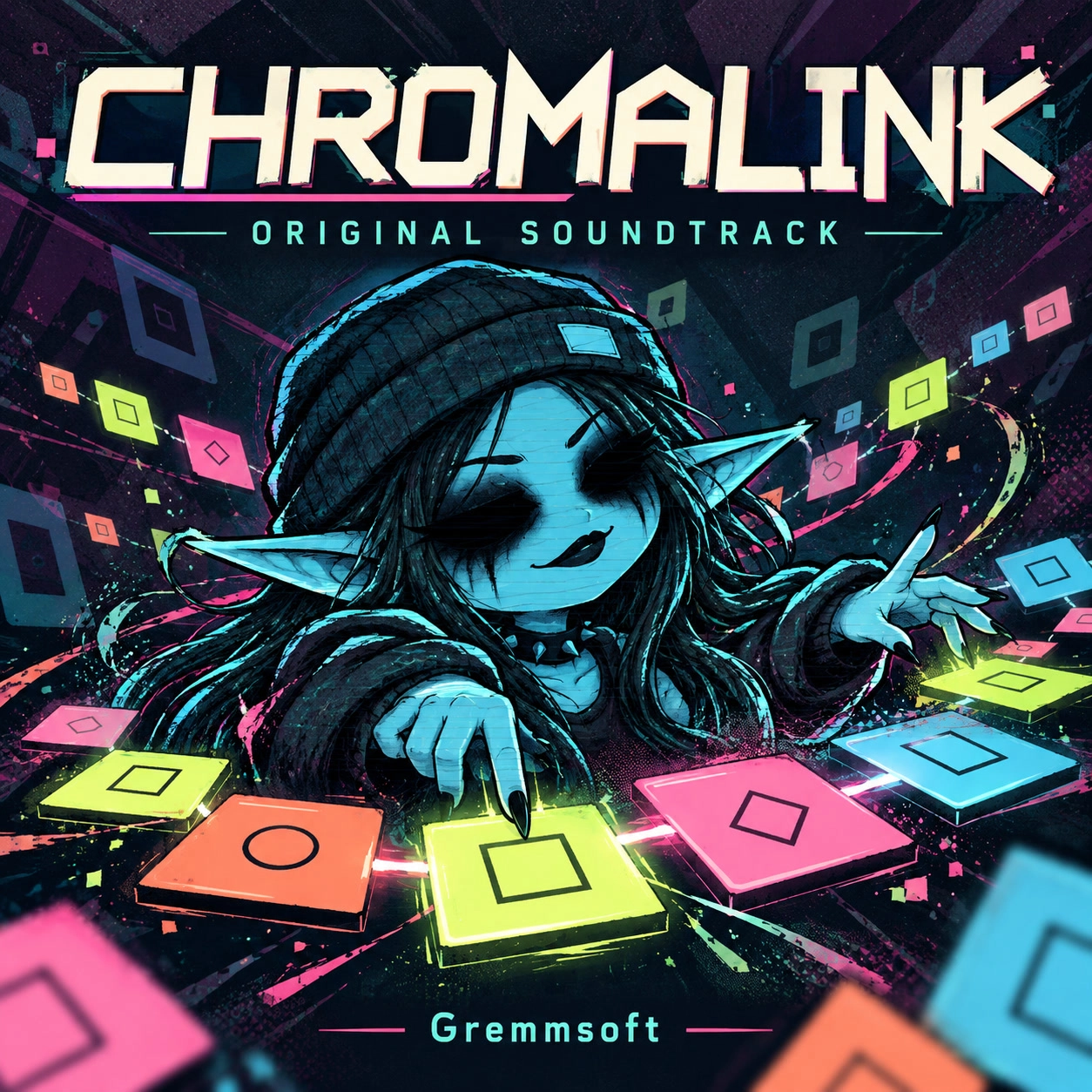 VDVALENTINEDESIGNS / ORIGINAL SOUNDTRACK
CHROMALINK
Choose a track
ValentineDesigns
Your player is still here.
Use the small player below, or choose Back to site to keep browsing.
PROJECT ALBUM
ChromaLink
Original soundtrack
Equaliser
EQ changes the balance of bass, voices, and treble. Start with a preset, or leave it off and enjoy the original sound.
Neutral follows your correction profile’s baseline. Without a profile, it preserves the source.
Your room and speaker placement change the sound. These are broad starting points, not room measurements. You can also enter your own measured EQ in Detailed EQ. Find speaker measurements ↗
Fine-tune your sound.
Each band changes one part of the sound. Frequency picks where it acts, Gain makes that part louder or quieter, and Width (Q) controls how narrow the change is.
| On | Shape | Frequency · Hz | Gain · dB | Width · Q | Remove |
|---|
Calculated from the combined EQ curve.
What do the EQ controls mean?
Frequency chooses the part of the sound. Gain makes it louder or quieter. A higher Q makes the change narrower; a lower Q makes it broader.
A low shelf shapes the bass below its chosen frequency. A high shelf shapes the treble above it. The line in Sound presets shows all your EQ changes together.
Level before EQ turns the signal down to leave room for boosts. Keep Lower level for EQ boosts on unless you are setting this yourself.
What happens to the audio?
Format & surround support in this version
Playback uses this browser’s native decoders. Unsupported files show an error; this version does not transcode them.
DTS decoding and encoded surround passthrough are planned. This version uses a stereo processing path; output-device capabilities do not verify a speaker layout or DAC sample rate.
PROCESSED COPY
Download your sound.
Save a WAV copy with your current EQ applied. Your original file stays untouched. The volume slider does not change the download.
Dither adds very quiet noise when audio is rounded to an integer bit depth. It is added once to this download, not to normal playback.
AUDIO CUES
Try a story cue
Try a scene with sound
Pick a cue to start the track or jump to a point in it. The demo keeps your volume and EQ.